Install GitLab Runner with Docker
Prequisites
- Already install GitLab Server (if not, check Install GitLab with Docker)
Steps
- Update
docker-compose.yamlfile with the following content:
  gitlab-runner:
    image: 'gitlab/gitlab-runner:latest'
    container_name: gitlab-runner
    restart: always
    depends_on:
      - gitlab
    volumes:
      - '/opt/gitlab-runner/config:/etc/gitlab-runner'
      - '/var/run/docker.sock:/var/run/docker.sock'
    networks:
      - gitlab-network
-
Drop container with
docker compose downand start again withdocker compose up -d -
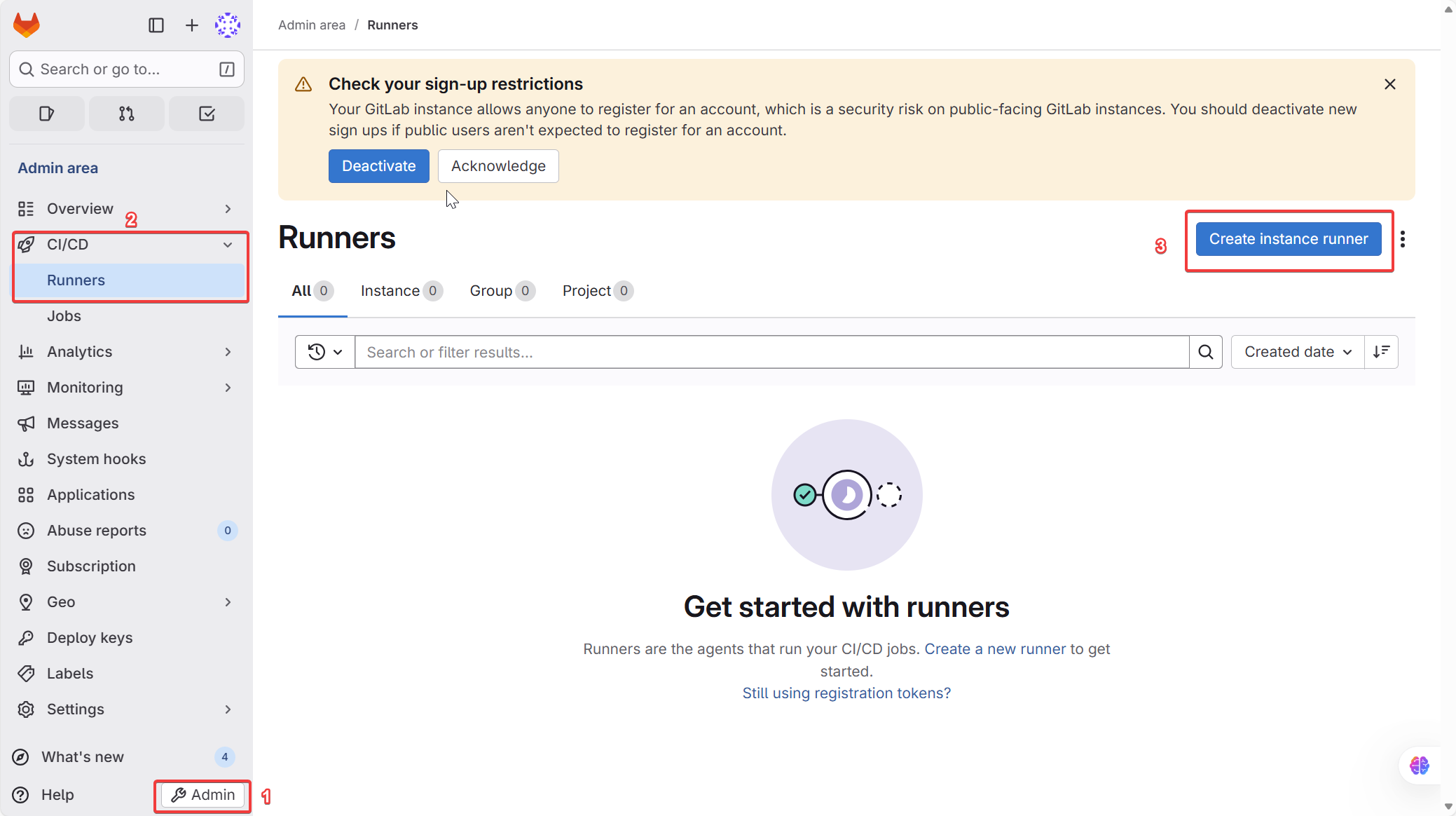
Access to GitLab and navigate to Admin area > CI/CD > Runner
-
Fill the information for your runner and click Create Runner button
-
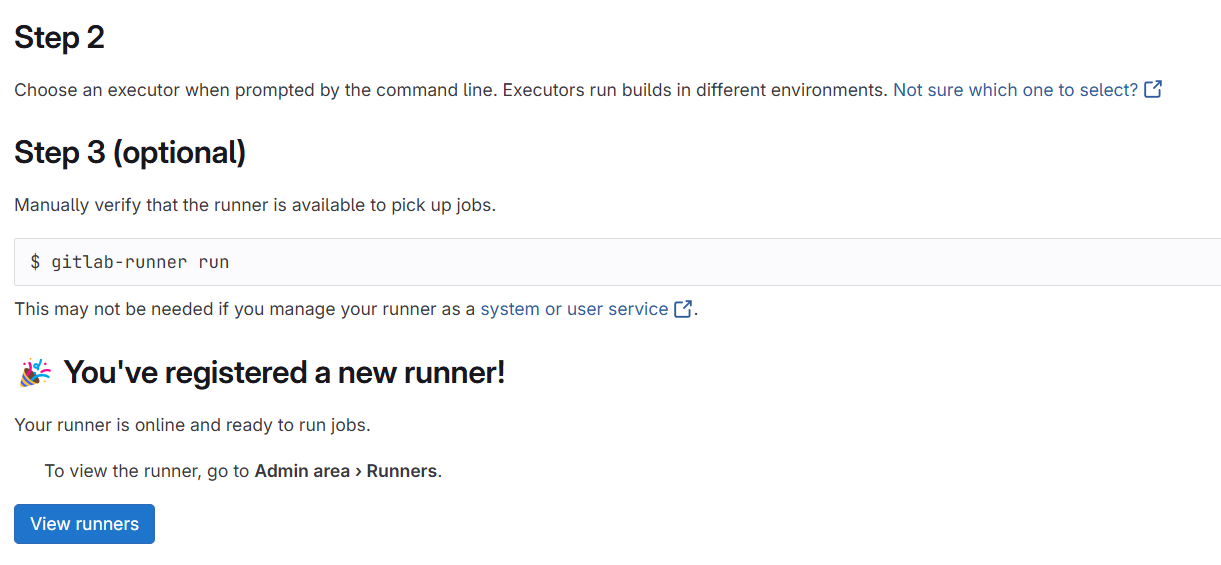
Copy command line and run it with
docker compose -rm <your-command>
-
After verify success, it will show you Active status